



Displays

NVIDIA on Tuesday said that future monitor scalers from MediaTek will support its G-Sync technologies. NVIDIA is partnering with MediaTek to integrate its full range of G-Sync technologies into future monitors without requiring a standalone G-Sync module, which makes advanced gaming features more accessible across a broader range of displays. Traditionally, G-Sync technology relied on a dedicated G-sync module – based on an Altera FPGA – to handle syncing display refresh rates with the GPU in order to reduce screen tearing, stutter, and input lag. As a more basic solution, in 2019 NVIDIA introduced G-Sync Compatible certification and branding, which leveraged the industry-standard VESA AdaptiveSync technology to handle variable refresh rates. In lieu of using a dedicated module, leveraging AdaptiveSync allowed for cheaper monitors, with...

Two Is Better Than One: LG Starts Production of 13-inch Tandem OLED Display for Laptops
OLED panels have a number of advantages, including deep blacks, fast response times, and energy efficiency; most of these stemming from the fact that they do not need backlighting...
14 by Anton Shilov on 6/25/2024
VESA Rolls Out DisplayHDR 1.2 Spec: Adding Color Accuracy, Black Crush, & Wide-Color Gamuts For All
VESA this morning is taking the wraps off of the next iteration of its DisplayHDR monitor certification standard, DisplayHDR 1.2. Designed to raise the bar on display quality, the...
9 by Ryan Smith on 5/7/2024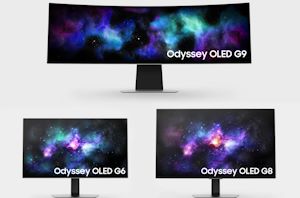
Samsung Intros 2024 Odyssey OLED Gaming Monitors: Up to 49-Inches and 360Hz
Ahead of CES, Samsung has introduced a new lineup of Odyssey OLED monitors aimed at the gaming market. The Odyssey OLED family all carry AMD's FreeSync Premium Pro certification...
13 by Anton Shilov on 1/4/2024
VESA Updates Adaptive-Sync Display Spec to 1.1a, Adds Dual-Mode and Overclocked Gaming Monitors
Ahead of next week’s CES 2024 trade show, this morning VESA is releasing an update to their Adaptive-Sync Display variable refresh certification standard to accommodate some forthcoming “dual-mode” gaming...
9 by Ryan Smith on 1/3/2024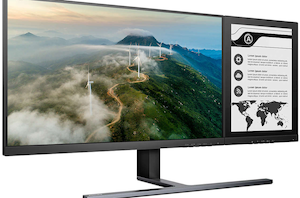
Philips Reveals Dual Screen Display: a 24-Inch LCD with E Ink Secondary Screen
Although E Ink technology has remained a largely niche display tech over the past decade, it's none the less excelled in that role. The electrophoretic technology closely approximates paper...
15 by Anton Shilov on 5/11/2023
JOLED Files for Bankruptcy: Set to Transfer OLED IP to JDI and Close Down Two Plants
JOLED, a Japan-based producer of OLED panels and displays, said it had applied for bankruptcy protection at the Tokyo District Court, citing total liabilities of ¥33.7 billion ($257 million)...
18 by Anton Shilov on 3/28/2023
VESA Launches Variable Refresh Display Performance Standards: AdaptiveSync and MediaSync
Kicking off what’s set to be a busy May, this morning the Video Electronics Standards Association (VESA), the PC display industry’s primary consortium, is rolling out a new set...
45 by Ryan Smith on 5/2/2022
CES 2022: ASUS Announce ROG Swift OLED PG48UQ & PG42UQ Gaming Monitors
One of the companies that comes to CES with no shortage of new product announcements is ASUS, who has fingers in many pies across a large spectrum of the...
5 by Gavin Bonshor on 1/5/2022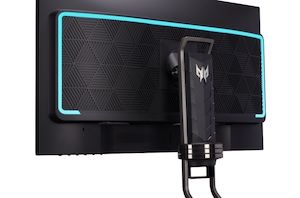
CES 2021: Acer Touts Trio of 4K and 1440p High Refresh Rate Gaming Monitors
Gaming monitors have tended to prefer lower resolutions and higher refresh rates, but catering to the wide variety of users in the market, Acer has also been developing monitors...
12 by Brett Howse on 1/7/2021 LG Display 48-inch Bendable Cinematic Sound OLED at CES 2021_carousel.jpg)
LG’s Latest Flex-OLED Display: Curved for Gaming, Flat for TV
Ever since LG displayed its first rollable OLED TV at CES 2019, and perhaps even before then, the vision of these flexible displays was that they could encompass any...
15 by Dr. Ian Cutress on 1/4/2021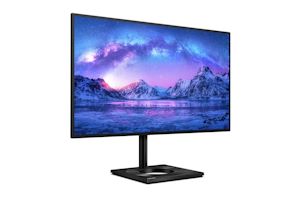
MMD and Phillips Launch the 279C9 27" Montior: FreeSync 4K IPS & USB Type-C
This week MMD and Phillips have unveiled its latest display in their ever-growing product range, the Phillips 279C9. A 27-inch monitor aimed squarely at content creators and professionals, the...
28 by Gavin Bonshor on 8/14/2020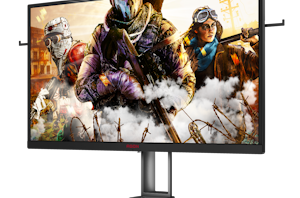
AOC Announces New AGON Gaming Monitors, 24" 240Hz TN, 27" 165Hz NanoIPS
Today AOC is announcing two new gaming monitors to their AGON line-up, adding in a 24.5” 240Hz TN model in the form of the AG251FZ2E, and a new 27&rdquo...
17 by Andrei Frumusanu on 7/31/2020
Xiaomi Releases 34" WQHD 144Hz Curved Gaming Monitor for 399€
This week Xiaomi launched a whole lot of different consumer goods in its European and other markets, amongst which was the new Mi Curved Gaming Monitor. The new monitor...
48 by Andrei Frumusanu on 7/17/2020
DisplayPort Alt Mode 2.0 Spec Released: Defining Alt Mode for USB4
As the tech industry gears up for the launch of the new USB4 standard, a few more parts first need to fall into place. Along with the core specification...
12 by Ryan Smith on 4/29/2020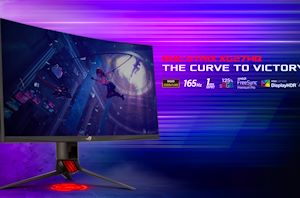
ASUS Launches ROG Strix XG27WQ Curved 165Hz Monitor: FreeSync Premium Pro Certified
AMD’s FreeSync Premium Pro certification promises quite a lot when it comes to features and quality, but unfortunately there are less than a dozen of such displays available on...
45 by Anton Shilov on 4/2/2020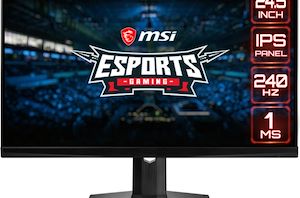
I Need Speed: MSI Reveals Optix MAG251RX 240Hz IPS Gaming Monitor
MSI has announced its first display that uses a Fast IPS panel, which boasts a 240 Hz refresh rate. Like many gaming LCDs, the Optix MAG251RX is NVIDIA G-Sync...
18 by Anton Shilov on 4/1/2020
Samsung to Cease Traditional LCD Production, Move To Quantum Dot OLEDs
According to a report from Reuters, Samsung Display will cease production of traditional LCD displays by the end of the year. The move comes as the company is apparently...
47 by Anton Shilov on 3/31/2020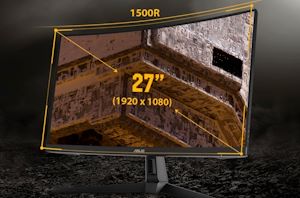
TUF Goes FreeSync Premium: ASUS TUF Gaming VG27VH1B 27-Inch 165Hz DCI-P3 Monitor
ASUS brought its TUF Gaming sub-brand to the market a couple of years ago to address needs of mainstream gamers. But as requirements evolve, the company has added premium...
30 by Anton Shilov on 3/30/2020
Gone in 0.5 ms: BenQ Unveils Zowie XL2746S 240 Hz Monitor w/ 0.5 ms Response Time
IPS technology has recently evolved to the point where 240 Hz refresh rates have started enter the territory of displays for hardcore gamers that were previously dominated by TN...
15 by Anton Shilov on 3/27/2020
 Facebook
 Twitter
 RSS
RSS


